
Markdown to mind map workflow
How to Turn Markdown into an Editable Mind Map
Markdown is excellent for writing structure. It is less useful when you need to understand that structure at a glance. Turn your notes, AI outlines, or Obsidian content into a map you can still edit.
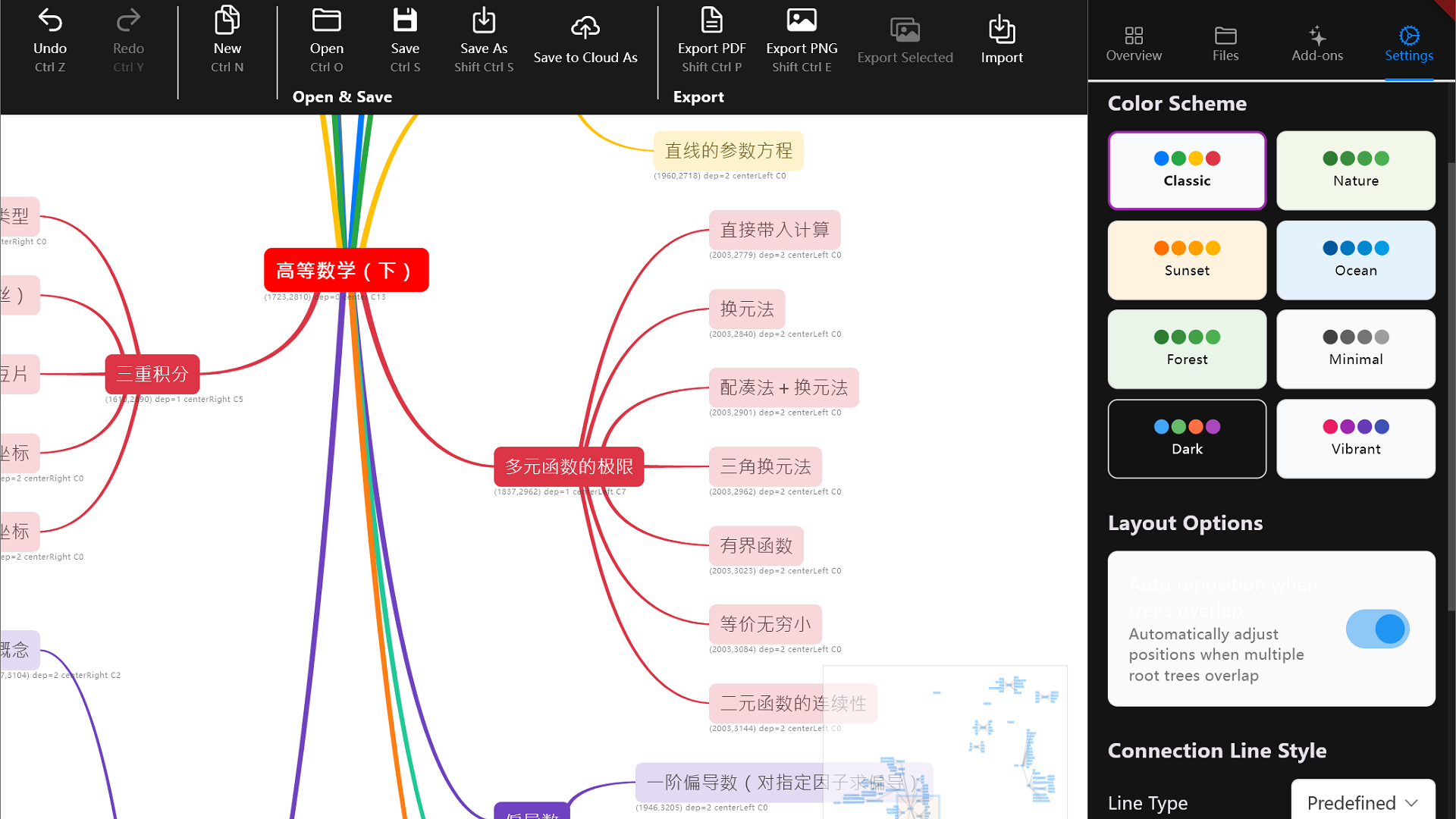
The workflow
The practical sequence is:
Write or generate Markdown → check the hierarchy → import it into a mind map → refine the branches → export the final result
This works for AI-generated outlines, Obsidian notes, study plans, meeting notes, and product research.
1. Prepare Markdown with a clear hierarchy
Mind map import works best when headings describe the levels of the idea:
# Main topic
## First branch
### Supporting idea
### Example
## Second branch
### Next action
Before importing, remove long explanations and repeated headings. A mind map should show the important concepts, not reproduce every sentence from the source note.
2. Import the outline into an editable map
A preview tool is useful when you only need a quick image. An editable mind map is better when you need to shorten a branch, move related ideas, add context, or compare layouts.
GoMind supports Markdown and other structured formats, including XMind, YAML, OPML, and plain text. After import, the outline remains a working map instead of becoming a static screenshot.
3. Look for structural problems
The first map is a diagnostic view. Check it for:
- one branch that contains most of the content;
- headings that are too long to scan;
- duplicate ideas in different branches;
- important actions buried under background information;
- related concepts that should be next to each other.
These issues are easy to miss in a long Markdown document because you read it from top to bottom. A map lets you inspect the shape of the whole document at once.
4. Refine the map before exporting
Shorten titles, merge duplicate branches, move related ideas, and choose a layout that matches the purpose. Export PNG, SVG, or PDF only after the structure is clear. The image is the presentation format, not the working format.
When this workflow is useful
- Turn an AI answer into a study map.
- See the structure of a long article before summarizing it.
- Convert Obsidian notes into a visual overview.
- Inspect product research before deciding what to build.
- Turn meeting notes into owners, decisions, and next actions.
Try it with one real note
Choose a Markdown note you already have. Import it into GoMind, make three structural changes, and export the result only when the map tells the same story you intended to write.
Open GoMind ↗